Prompt to performance

Text to Rap Video

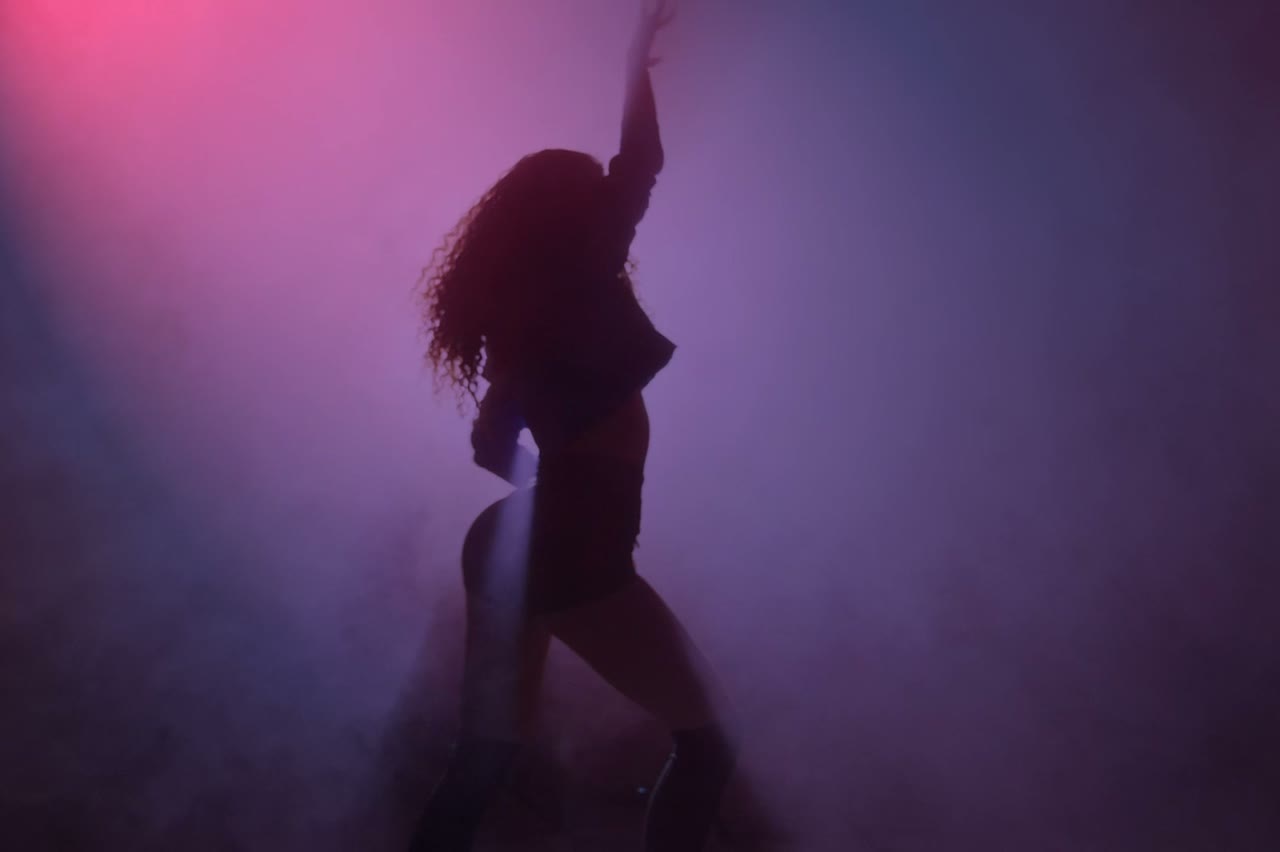
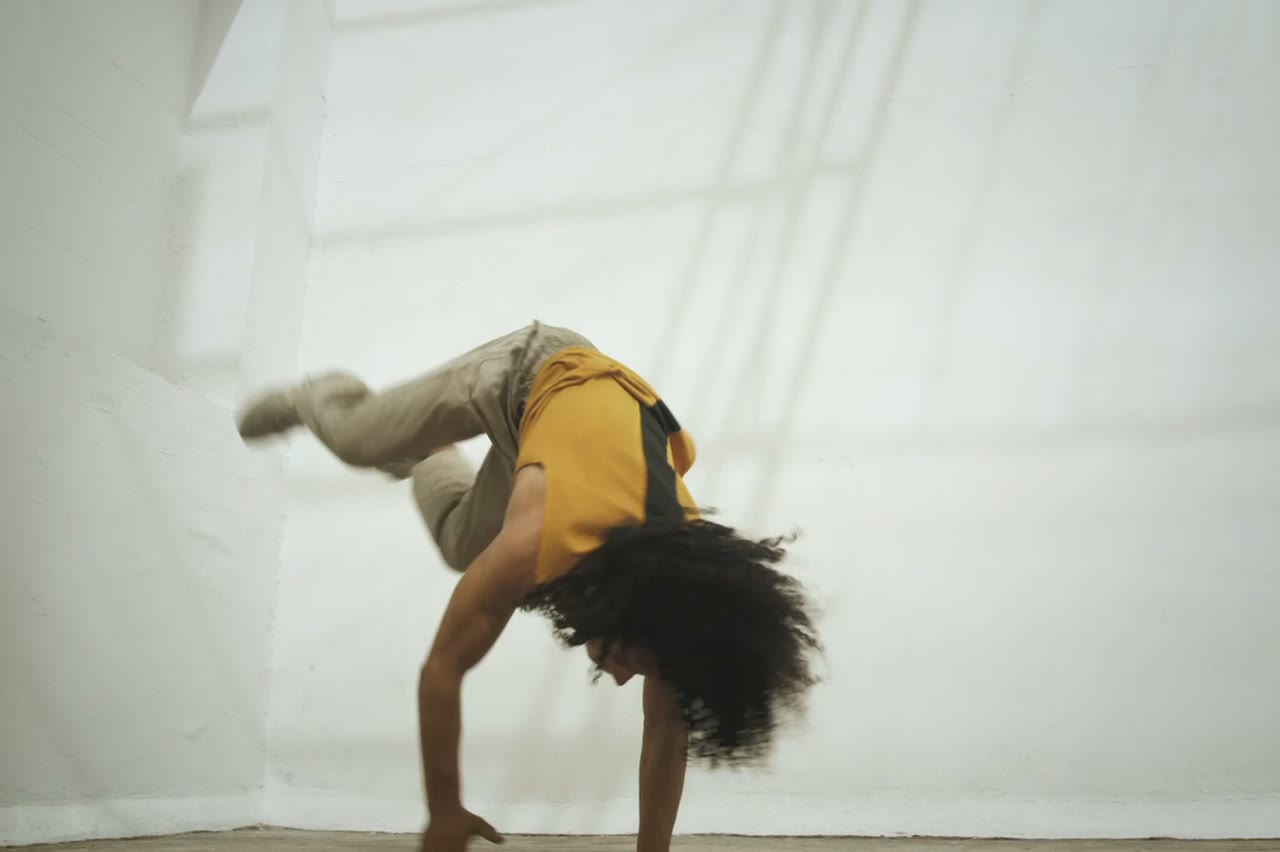
Sometimes there is no photo. You have a scene in your head: a masked performer under a sodium streetlight, a drill crew on a cold estate, a golden-age block party. Text to rap video turns that description into a short clip without a reference image.

The skill is not writing more words. It is naming the subject, the place, the light and one camera move, then stopping. The studio fills in the technical defaults so the prompt can stay focused on the shot.

Clips on this page are AI-generated previews. They are fictional and not a record of a real event.

Updated 24 October 2026

A lone performer under an orange streetlight in an empty car park, text to rap video still
Length
5–12 seconds
Resolution
480p · 720p · 1080p
Aspect ratio
9:16 · 16:9 · 1:1
Watermark
None on paid renders
Model
Seedance 2.0
Moderation
SeeAPI, fail-closed

No source photo required

Use this mode for concepts, mood boards and scenes where no real performer is available. The model casts the scene from your description.

One camera move per clip

A single push-in, track or orbit reads better than a cut. Short renders cannot absorb a full shot list, so the presets choose one move and commit.

Style without a style tag

Era, film stock, lens and light are described in plain language. That gives you more control than pasting a list of aesthetic keywords.

How it works

  1. 1

    Name the performer

    Solo artist, duo, crew, masked figure. Say what they wear and what they are doing. A performer with no action becomes a mannequin.

  2. 2

    Name the place and the light

    Rooftop at night, basement with a single practical, sunlit sidewalk. Light is what makes a generated scene look directed rather than random.

  3. 3

    Choose one camera move

    Slow push-in, low tracking shot, locked-off wide. Keep the move simple enough that the subject stays in frame for the whole clip.

  4. 4

    Add the guardrails

    State no text, no watermark, no logo and no extra people. These are the defaults in every preset; keep them if you rewrite the prompt.

Start from a tested prompt

Each prompt is complete: subject, scene, camera and what must not change. Copy it or open the studio with it pre-filled.

A group performing on a city block at dusk, cinematic text to rap video scene

Night Cypher

A rooftop cypher circle under sodium lights.

Prompt (English)

Use the person in the uploaded photo as the lead performer. An empty rooftop car park at night, wet concrete reflecting orange sodium lights, a loose circle of six silhouetted figures clapping. The rapper walks into the centre of the circle and performs, turning slowly to face the camera. One continuous low-angle tracking shot that circles the performer at knee height, ending on a medium close-up. Keep the face, hair, outfit and body proportions exactly as photographed. No fighting, no extra foreground people, no text, no watermark, no logo. Vertical 9:16.

Use in studio

Retro VHS

A 1990s sidewalk scene with a shared boombox.

Prompt (English)

Use the two people in the uploaded photos as the only performers. A sunlit city sidewalk in the mid-1990s, a large silver boombox on the ground between them, brick wall and parked cars behind. The pair trade verses and laugh between lines, baggy outfits moving with the beat. One continuous handheld shot with a slight zoom, framed like a 1990s music-video segment, warm film grain and soft VHS halation. Keep the faces, hair, outfits and body proportions exactly as photographed. No period-inaccurate screens, no extra people, no text, no watermark, no logo. Vertical 9:16.

Use in studio

Solo Booth

A close, intimate booth performance to camera.

Prompt (English)

Use the person in the uploaded photo as the only performer. A narrow recording booth at night, a large-diaphragm condenser microphone on a shock mount, warm tungsten key light from the left and a cold blue rim light from behind. The rapper leans into the mic and performs directly to camera, shoulders moving with the beat. One slow dolly-in from a medium shot to a close-up, shallow depth of field, slight handheld float. Keep the face, hair, outfit and skin tone exactly as photographed. No headphones swapping, no extra people, no text, no watermark, no logo. Vertical 9:16.

Use in studio

The four-part prompt that works

Subject, place, light, camera. That is the whole structure. A useful test is whether another person could draw the frame from your description. If the prompt has three camera moves and no location, it is not ready.

Put the subject first because the model weights the opening words heavily. Then place, then light, then camera. End with the constraints: what must not appear and what must not change.

Text to video versus image to video

Text to video gives you creative control over casting and scene. Image to video gives you identity. If the face matters, upload a photo. If the atmosphere matters more than a specific person, text is faster and often more coherent.

You can combine them: write a text prompt to find a scene you like, then rebuild the same scene with a portrait reference once the visual direction is settled. Keep the location and light sentences identical between the two attempts.

Common ways a good prompt fails

Too many people, too much text in the scene, a request for a specific real brand, or a camera move that crosses a complex background. Each one gives the model more opportunities to break continuity.

If the clip fails moderation, remove words suggesting violence, weapons, drugs or real public figures. The studio is for performance visuals, not for recreating news events or depicting identifiable people without consent.

Questions people ask

Can I generate a rap video without uploading a photo?

Yes. Text-to-video casts the performer from your description. The trade-off is that the face is invented, so it will not look like a specific artist.

How detailed should the prompt be?

Enough to describe subject, place, light and one camera move. Around 60 to 120 words is usually plenty. Longer prompts tend to add conflicting instructions.

Can I name a real rapper or celebrity?

No. Do not ask for a real, identifiable person. The request is likely to be refused, and using a real person's likeness without consent is not allowed.

Can I specify a real city or venue?

You can describe the look of a place, but avoid asking for a specific private venue or a location tied to a real event. Generic descriptions render more reliably.

Does text to video generate lyrics or vocals?

No. It produces silent visuals. Record or license the track separately and add it in your editor.

Why does the performer have no hands?

Hands are a known weak point. Keep them occupied with a microphone, a pocket or a gesture, and avoid close-ups of fingers.

Can I reuse the same prompt for a series?

Yes. Keep the subject, place and light sentences fixed, then vary one element per clip. That is how you build a consistent visual identity across posts.

Turn your photo into a clip

Start with the preset on this page, or write your own shot. Credits are shown before you generate, and failed renders are refunded.