Photo to video · Text to video

AI Rap Video Generator

An AI rap video generator should solve one problem: put a performance on screen without a camera crew, a location and a lighting kit. You upload a photo of the performer or describe the scene, choose a set-up, and the studio renders a short clip you can post, pitch or send to an artist.

This studio runs on Seedance 2.0 and keeps the job narrow. Every render is 5 to 12 seconds, vertical or landscape, with no watermark on paid output. The four presets cover the shots most rap videos actually need: a duo on stage, a solo take in a booth, a night cypher and a retro sidewalk scene.

Clips on this page are AI-generated previews. They are fictional and not a record of a real event.

Updated 24 October 2026

Two rappers performing under purple stage lights in a small club, AI rap video still
Length
5–12 seconds
Resolution
480p · 720p · 1080p
Aspect ratio
9:16 · 16:9 · 1:1
Watermark
None on paid renders
Model
Seedance 2.0
Moderation
SeeAPI, fail-closed

The performer stays recognisable

Every preset tells the model to preserve faces, hair, outfits, skin tone and body proportions from your photos. You are not casting a stranger who looks vaguely similar.

Four tested starting points

Duo Stage, Solo Booth, Night Cypher and Retro VHS are complete prompts, not style tags. Start from one and change the scene instead of staring at an empty box.

Made for a phone screen

9:16 is the default because TikTok, Reels and Shorts are where rap clips travel. Switch to 16:9 or 1:1 without changing the source photo.

How it works

  1. 1

    Add one or two clear photos

    A head-and-shoulders or waist-up photo in even light works best. For a duo, use two separate photos with both faces clearly visible and no heavy filters.

  2. 2

    Choose a scene

    Pick a preset or write your own prompt. Say what the performer does, where the camera sits and what must not change. One action and one camera move per clip.

  3. 3

    Set resolution and length

    Choose 480p, 720p or 1080p, a length from 5 to 12 seconds, and 9:16, 16:9 or 1:1. The credit cost is shown before you generate, never after.

  4. 4

    Render, review, download

    The task runs in the background. Watch the clip twice, fix one variable if something drifts, and download the MP4 when it reads clearly at phone size.

Start from a tested prompt

Each prompt is complete: subject, scene, camera and what must not change. Copy it or open the studio with it pre-filled.

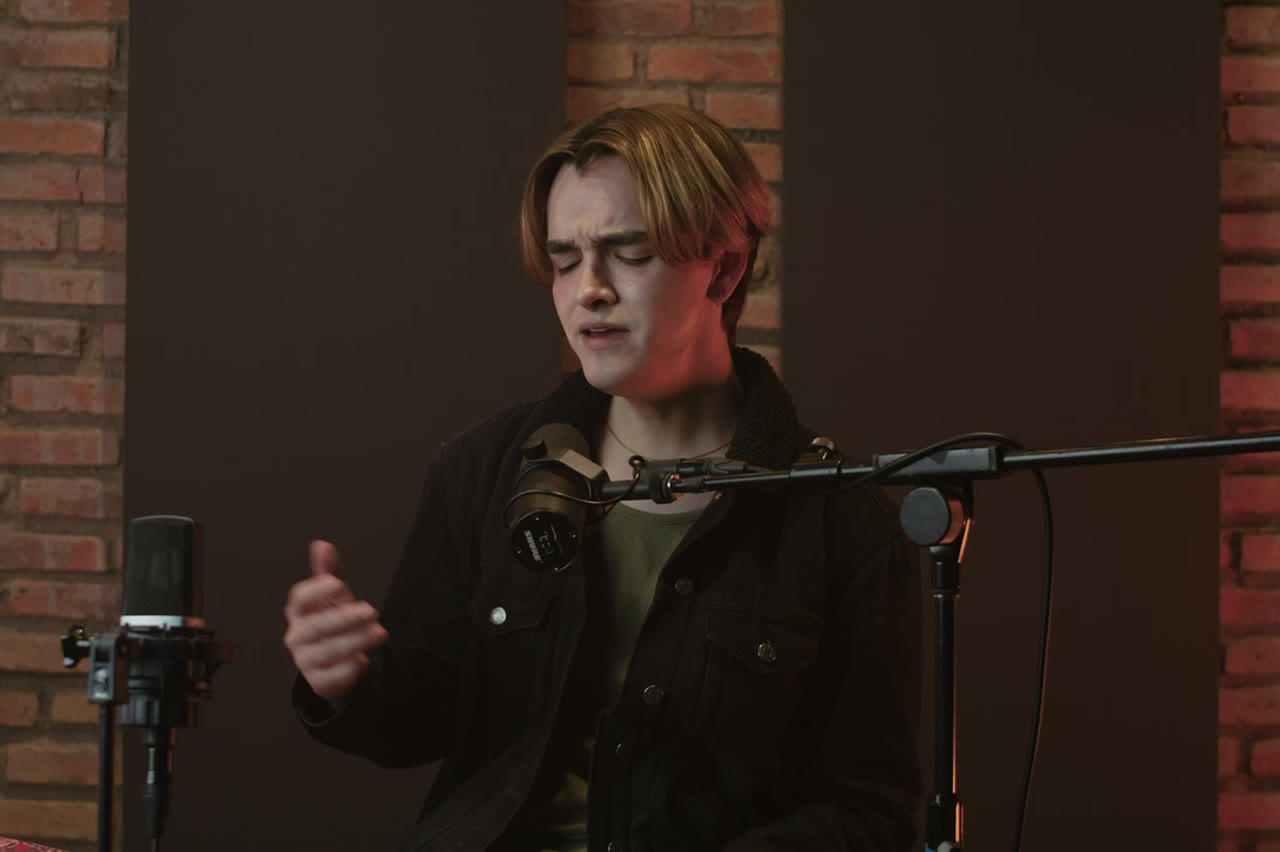
A rapper performing into a studio microphone under warm tungsten light, cinematic AI clip

Duo Stage

Two rappers trade verses on a small club stage.

Prompt (English)

Use the two people in the uploaded photos as the only performers. A small club stage at night, purple and magenta lights cutting through haze, a packed crowd in silhouette at the front. The two rappers stand side by side trading verses, one gesturing to the crowd while the other nods to the beat. One continuous handheld shot at chest height that pushes in from the back of the stage to a tight two-shot, then drifts slightly right. Keep the faces, hair, outfits, skin tone and body proportions exactly as photographed. No lip-sync mismatch, no extra people, no text, no watermark, no logo. Vertical 9:16.

Use in studio

Solo Booth

A close, intimate booth performance to camera.

Prompt (English)

Use the person in the uploaded photo as the only performer. A narrow recording booth at night, a large-diaphragm condenser microphone on a shock mount, warm tungsten key light from the left and a cold blue rim light from behind. The rapper leans into the mic and performs directly to camera, shoulders moving with the beat. One slow dolly-in from a medium shot to a close-up, shallow depth of field, slight handheld float. Keep the face, hair, outfit and skin tone exactly as photographed. No headphones swapping, no extra people, no text, no watermark, no logo. Vertical 9:16.

Use in studio

Night Cypher

A rooftop cypher circle under sodium lights.

Prompt (English)

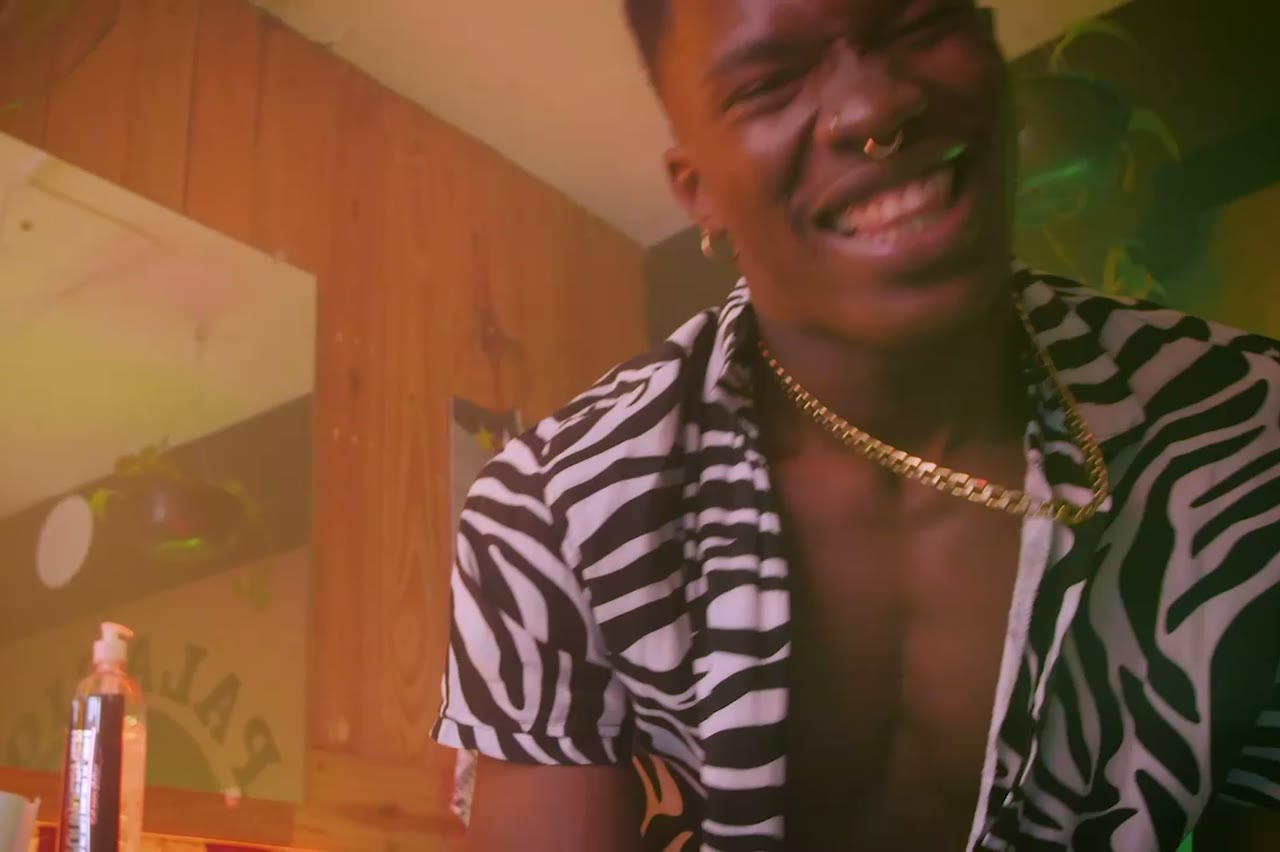
Use the person in the uploaded photo as the lead performer. An empty rooftop car park at night, wet concrete reflecting orange sodium lights, a loose circle of six silhouetted figures clapping. The rapper walks into the centre of the circle and performs, turning slowly to face the camera. One continuous low-angle tracking shot that circles the performer at knee height, ending on a medium close-up. Keep the face, hair, outfit and body proportions exactly as photographed. No fighting, no extra foreground people, no text, no watermark, no logo. Vertical 9:16.

Use in studio

What an AI rap video is actually good for

The strongest use is a performance visual you could not film this week: an artist in a packed club that does not exist, a rooftop cypher in the rain, a 1990s sidewalk scene with a boombox. It is also useful for a pre-release teaser, a lyric post, an artist's pitch deck or a mood board before a real shoot.

It is not a replacement for a full music video. There is no audio generation, no lip-sync to your vocal track and no multi-shot edit inside one render. You get one short, coherent shot. The track, cuts and captions belong in your editor.

What the model can and cannot do

Seedance 2.0 is strong at lighting, fabric, camera movement and short choreographed motion. It is weak at text, hands in close-up, complex props and precise lip-sync. That is why every preset avoids readable signs, keeps hands occupied with a microphone or gesture, and frames performance rather than dialogue.

Likeness is a reference, not a scan. A clear, front-facing photo with sharp eyes and an unobstructed face gives the model the most information. Sunglasses, hair across the face and heavy beauty filters all make the result drift. If the face is wrong, the fix is usually a better photo, not a longer prompt.

A workflow that survives the second render

Render the same photo with two different presets before you change the prompt. Compare them at phone size, not full screen. The clip that reads in a feed is the one worth keeping, even if the larger version shows a soft hand or a bent microphone stand.

When something fails, change one variable at a time: camera move, action, or scene. Rewriting the entire prompt hides which change helped. Keep a note of the prompt, photo and settings for every clip you like; that record is the beginning of a repeatable visual style.

Questions people ask

Do I need a photo to generate a rap video?

No. Text-to-video is available for concept scenes, but a photo gives you a recognisable performer. Most people start with one clear portrait and a preset.

Does the studio generate the song or the vocals?

No. It generates the visual only. Use your own track, a licensed beat or a voice note, then add the audio in your editor.

Will the face match my photo exactly?

It stays close when the photo is sharp, front-facing and evenly lit. Results drift with sunglasses, heavy filters, covered faces or very low resolution. Treat it as a strong likeness, not a forensic match.

How long can one clip be?

From 5 to 12 seconds. Longer videos are made by cutting several clips together, which also gives you a reason to vary the camera angle.

Can I use the clip commercially?

You own the output you generate, subject to the model provider's terms and your rights in the uploaded photos. Do not upload a photo of someone who has not agreed to appear.

Is there a watermark?

Paid renders download without a watermark. The preview inside the studio is marked so it cannot be mistaken for the final file.

What does a clip cost?

Price is in credits and depends on resolution and length. The exact cost appears before you press Generate; current plans are on the pricing page.

Turn your photo into a clip

Start with the preset on this page, or write your own shot. Credits are shown before you generate, and failed renders are refunded.