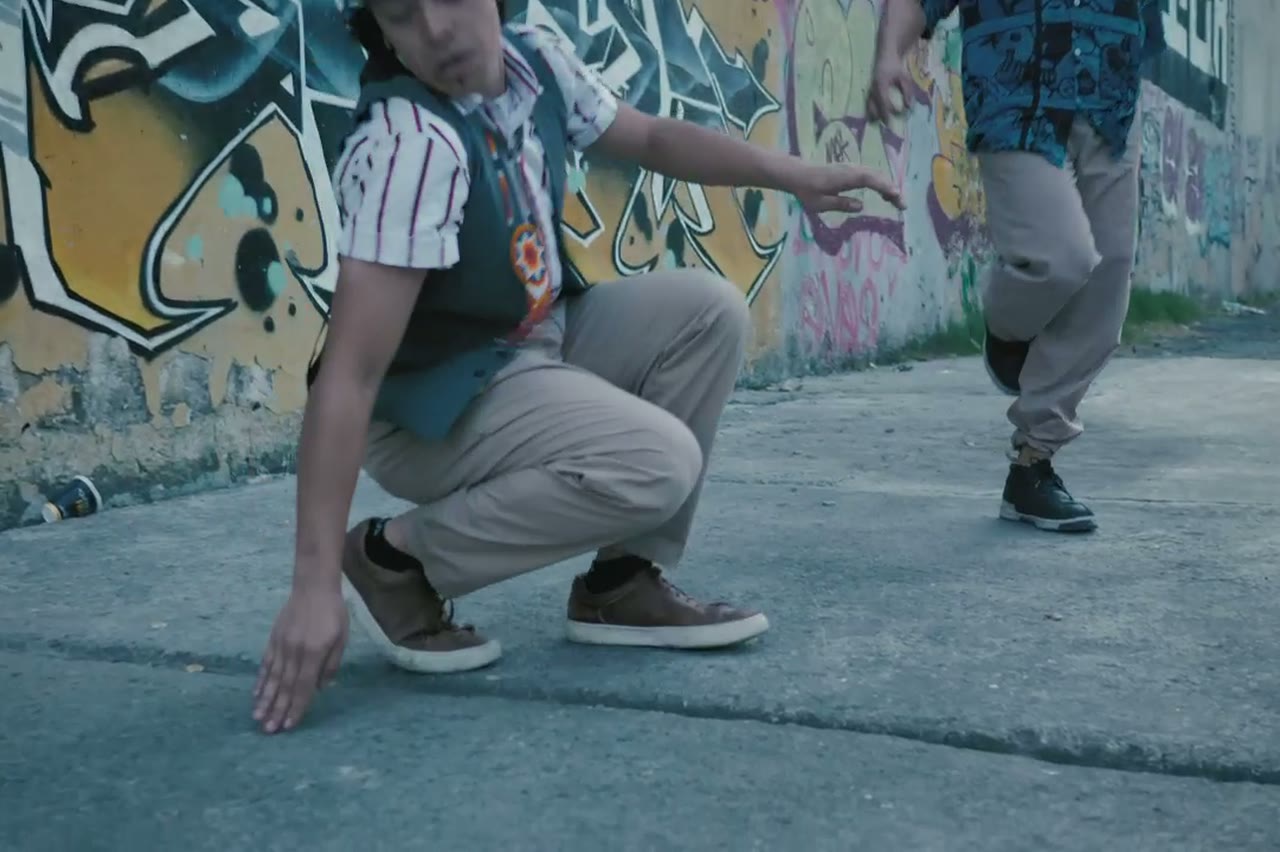
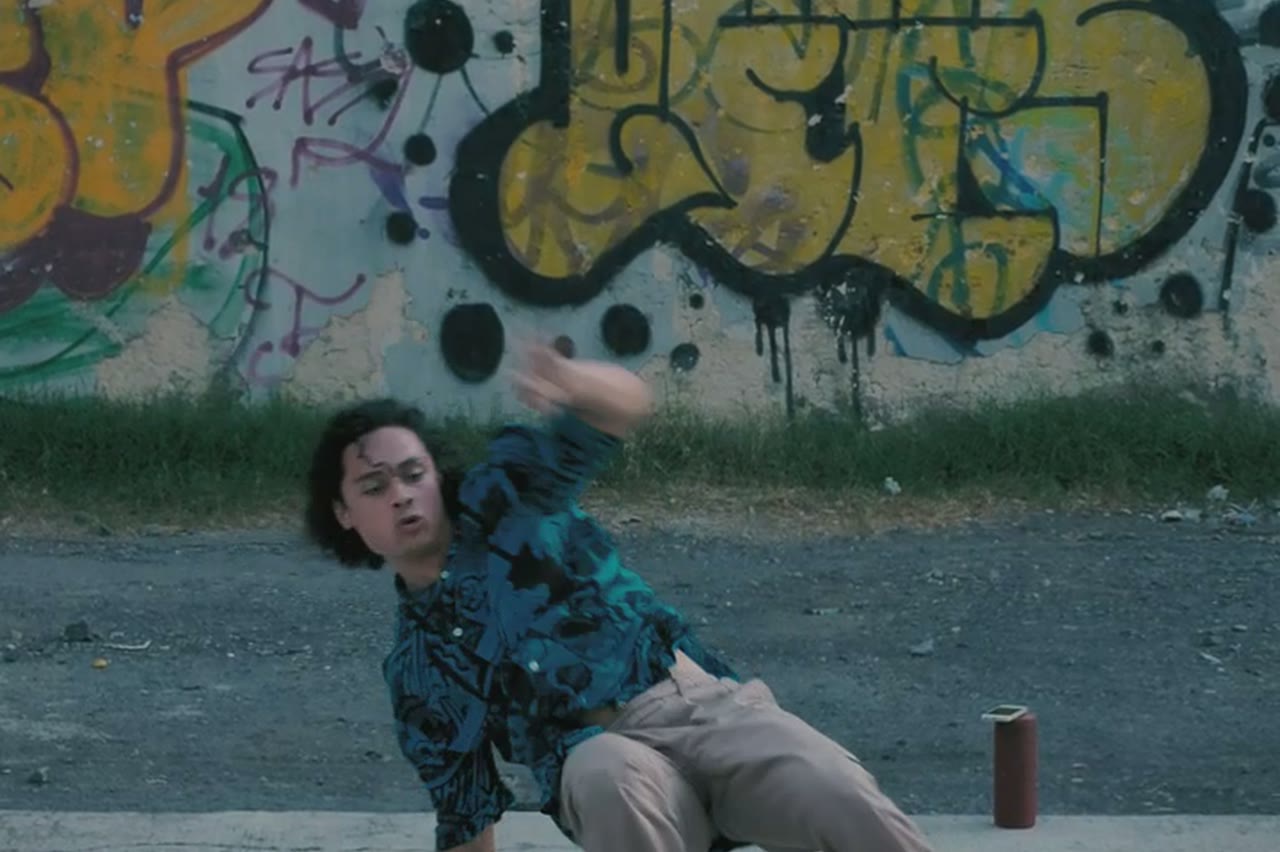
Two performers · One face-off

AI Rap Battle Video

A rap battle is a two-person scene with a clear spatial idea: who is on the left, who is on the right, and how close the camera gets when the tension rises. The studio can stage that face-off from two photos, with both performers kept in frame and reacting to each other.

This is a visual tool, not a battle league. There is no audio, no scoring and no lyric generation. You get a short, cinematic confrontation you can cut into a promo, a skit or a concept trailer.

Clips on this page are AI-generated previews. They are fictional and not a record of a real event.

Updated 24 October 2026

Two rappers facing each other in a dim club, AI rap battle video still
Length
5–12 seconds
Resolution
480p · 720p · 1080p
Aspect ratio
9:16 · 16:9 · 1:1
Watermark
None on paid renders
Model
Seedance 2.0
Moderation
SeeAPI, fail-closed

Clear sides, clear eyelines

The prompts place one performer camera left and one camera right, facing each other. That simple blocking is what makes a face-off read instantly.

Reaction over choreography

A head tilt, a step forward, a hand gesture. Small reactions sell the battle more than a complex fight sequence.

No contact, no weapons

The presets keep the confrontation verbal and physical distance safe, which also avoids moderation refusals.

How it works

  1. 1

    Upload two portraits

    One photo per performer, similar lighting, faces unobstructed. Matching light makes the face-off look like a single scene.

  2. 2

    Choose the arena

    A club stage, a rooftop circle or a bare room. A simple background keeps attention on the two faces.

  3. 3

    Direct the exchange

    Say who steps forward first and how the other reacts. One exchange per clip is enough.

  4. 4

    Review for face swaps

    Check both identities through the whole clip. If one drifts, replace that photo before changing the prompt.

Start from a tested prompt

Each prompt is complete: subject, scene, camera and what must not change. Copy it or open the studio with it pre-filled.

A close two-shot of two performers exchanging bars under stage light, AI rap battle

Duo Stage

Two rappers trade verses on a small club stage.

Prompt (English)

Use the two people in the uploaded photos as the only performers. A small club stage at night, purple and magenta lights cutting through haze, a packed crowd in silhouette at the front. The two rappers stand side by side trading verses, one gesturing to the crowd while the other nods to the beat. One continuous handheld shot at chest height that pushes in from the back of the stage to a tight two-shot, then drifts slightly right. Keep the faces, hair, outfits, skin tone and body proportions exactly as photographed. No lip-sync mismatch, no extra people, no text, no watermark, no logo. Vertical 9:16.

Use in studio

Night Cypher

A rooftop cypher circle under sodium lights.

Prompt (English)

Use the person in the uploaded photo as the lead performer. An empty rooftop car park at night, wet concrete reflecting orange sodium lights, a loose circle of six silhouetted figures clapping. The rapper walks into the centre of the circle and performs, turning slowly to face the camera. One continuous low-angle tracking shot that circles the performer at knee height, ending on a medium close-up. Keep the face, hair, outfit and body proportions exactly as photographed. No fighting, no extra foreground people, no text, no watermark, no logo. Vertical 9:16.

Use in studio

Retro VHS

A 1990s sidewalk scene with a shared boombox.

Prompt (English)

Use the two people in the uploaded photos as the only performers. A sunlit city sidewalk in the mid-1990s, a large silver boombox on the ground between them, brick wall and parked cars behind. The pair trade verses and laugh between lines, baggy outfits moving with the beat. One continuous handheld shot with a slight zoom, framed like a 1990s music-video segment, warm film grain and soft VHS halation. Keep the faces, hair, outfits and body proportions exactly as photographed. No period-inaccurate screens, no extra people, no text, no watermark, no logo. Vertical 9:16.

Use in studio

Blocking a face-off that reads

The camera should know whose side it is on. A two-shot with both performers visible is the establishing frame; a slow push toward one performer is the escalation. Do not ask for both in five seconds.

Distance is the story. Start with two metres between them and let one step in. If the prompt begins with them nose to nose, there is nowhere for the tension to go.

Keeping it publishable

Battle content can drift into threats, slurs or physical violence. The studio's presets describe a performance exchange, not a fight. Keep the language about bars, gestures and reactions, and avoid requests for weapons or contact.

Do not upload photos of real public figures or people who have not agreed to appear. A battle scene implies conflict, so consent matters even more than in a neutral performance clip.

Turning one clip into a series

Generate the same two performers in three arenas, then cut a short trailer with a card for each round. The repeated faces and changing locations create continuity without needing a long render.

For a promo, end on a freeze frame or a hard cut to the event date. Add the text in your editor; the model should not be asked to render dates or logos.

Questions people ask

Can I upload two different people for a battle?

Yes. Use one clear portrait per performer. Separate photos give the model a better chance of keeping both faces stable.

Does the video include the battle audio?

No. It is a silent visual. Record or license the audio and add it in your editor.

Can the performers touch or fight?

The presets avoid contact and weapons. Keep the scene verbal and gestural to stay publishable and avoid moderation issues.

Can I use a real battle rapper's face?

Only with their permission. Do not generate a real person in a confrontational scene without consent.

Why do the faces sometimes swap?

Fast camera moves, similar outfits and low-resolution photos make identities harder to separate. Slow the move and simplify the wardrobe.

Can I add crowd reactions?

A silhouetted crowd works well. Keep individual faces out of the background so the model does not generate extra people.

What length works for a battle teaser?

Five to eight seconds is enough for one exchange. A longer cut is several clips edited together.

Turn your photo into a clip

Start with the preset on this page, or write your own shot. Credits are shown before you generate, and failed renders are refunded.