How to Use AI Rap Videos in Release Marketing
 AI Rap Video Team
A channel-by-channel plan for rap video clips: teasers, Spotify Canvas, Shorts, Reels, TikTok, press kits and paid creative, with specs and a four-week calendar.
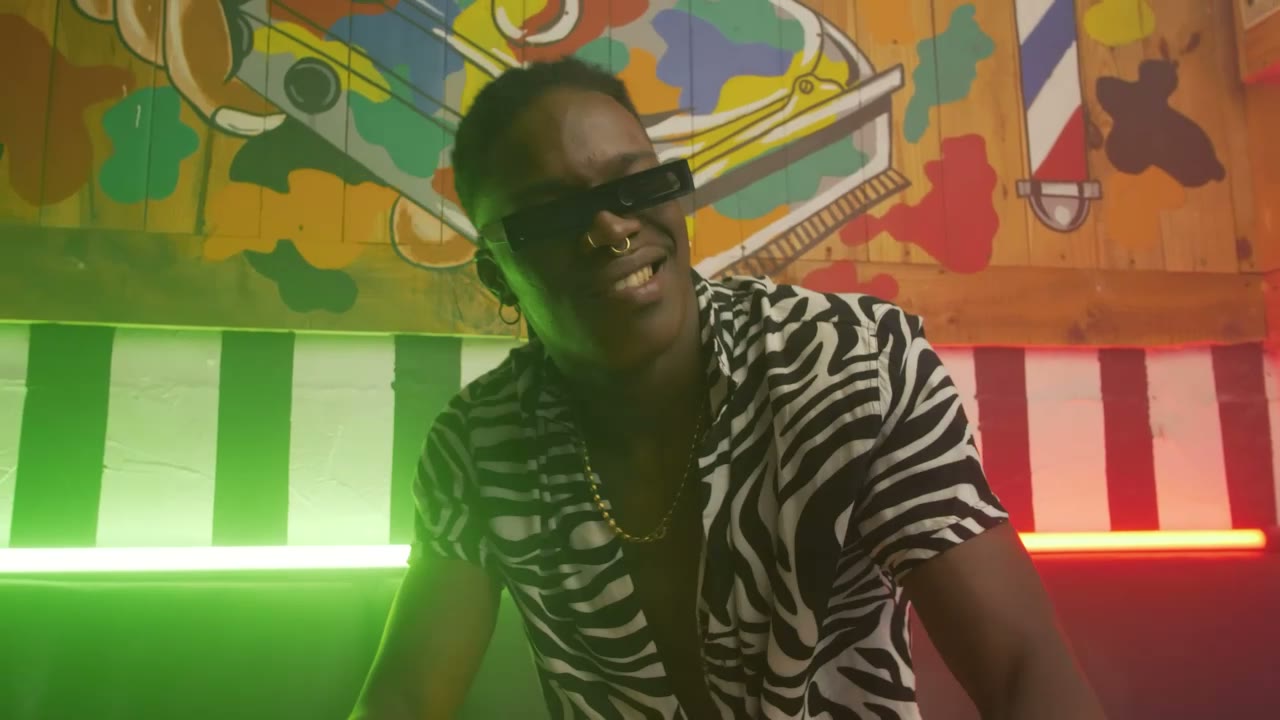
A rap video is not only a YouTube link. Short performance clips are raw material for every surface a release touches: the teaser before the drop, the canvas loop inside Spotify, the vertical posts during release week, the press kit after it. Planning those surfaces before you render changes what you generate.
This guide maps the channels, what each one needs, and how to build a four-week release plan around a small number of renders.
Start from the release, not the video
Write down the release date, the track length and the three lines that matter most. Those three lines determine which shots you need: one for the teaser, one for the hook, one for the closing card.
A useful rule is one render per surface, not one render reused everywhere. A 9:16 eight-second clip with the performer centred works for TikTok, Reels and Canvas. A 16:9 clip works for YouTube and a website hero. Generating both takes two prompts; cropping one takes the quality out of both.
The channel map
| Channel | Format | What it needs | | --------------- | ----------------------- | ------------------------------------------------ | | Spotify Canvas | 8s loop, 9:16, no audio | Seamless loop, face visible, motion that repeats | | TikTok | 9:16, 15–34s | Hook in the first second, captions | | Instagram Reels | 9:16, 15–30s | Strong first frame, text safe area | | YouTube Shorts | 9:16, 20–45s | Title and thumbnail matter more than here | | YouTube (full) | 16:9 | A sequence of shots, not one clip | | Press kit | Still + 15s clip | Clean background, no platform UI | | Paid social | 9:16 or 4:5 | Clear product or release message, fast cut | | Website hero | 16:9, muted | Loops well, no critical text |
Platform specs change; check the current help page before a campaign. The production advice below does not: face in the middle, captions in the safe area, one idea per clip.
Spotify Canvas specifically
Canvas is the looping video behind a track in the Spotify mobile player. It plays muted, loops, and sits behind interface elements. That makes it the most forgiving and the most demanding surface at the same time: forgiving because nobody hears it, demanding because a bad loop is obvious within two plays.
Generate an eight-second 9:16 clip with a motion that returns to its start: a slow push that resets, a turn that comes back, a light sweep that passes. Avoid a walk toward camera that ends in a different framing than it started. Avoid text entirely. Keep the face in the upper middle, because the player interface covers the bottom.
Canvas is uploaded through Spotify for Artists and requires the release to be claimed. Approval is not instant, so generate and upload it at least a week before the release date.
The four-week calendar
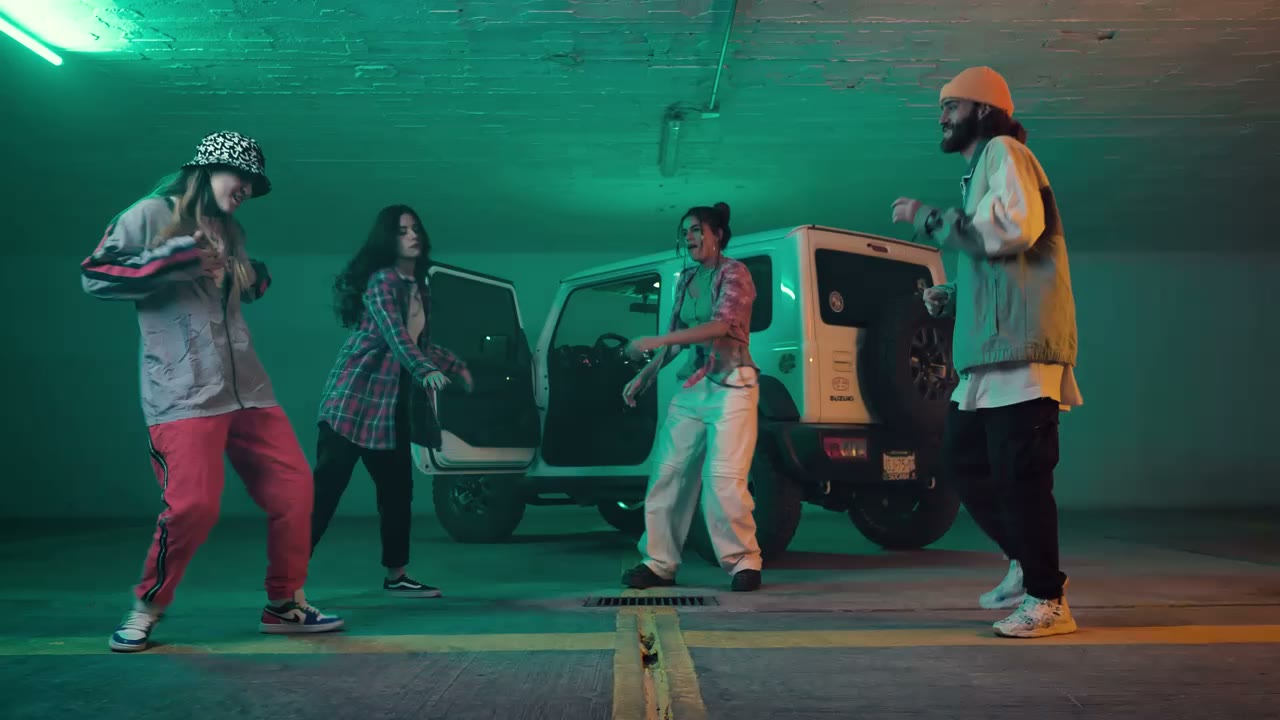
Week −4: build the asset bank. Render four to six short clips: one hero performance, one close-up, one wide, one detail or reaction. Keep them silent and clean. Do not post yet.
Week −3: tease. Post one clip with the release date as text. Use the strongest frame first. Pin a comment with the pre-save link. Post the source photo and the prompt as a second post; the process is its own content.
Week −2: introduce the record. Post a clip with the hook audio. Cut on the vocal. Add captions. Reply to comments with a second clip rather than a text answer.
Week −1: countdown. One post a day for the last three days, each a different shot from the same session. Keep the visual language identical so the week reads as one campaign.
Release week: the full video or the longest cut, the Canvas live, a behind-the-scenes post, and a thank-you post. Then stop. A release campaign that never ends trains the audience to ignore it.
Press kits and pitches
A press kit needs a clean 15-second clip, two stills and a one-paragraph bio. The clip should look like a performance, not like a social post: no captions, no platform UI, no release date burned in. A journalist or a playlist editor will not use a clip with a TikTok watermark.
Generate the press clip on a simple background — the label showcase prompt in the prompt library is built for this. Keep the wardrobe consistent with the press photos so the kit looks like one shoot.
Paid creative
Paid social rewards a clear message and a fast cut. A 15-second ad built from three generated shots and one text card usually outperforms a single beautiful clip, because the ad needs a reason to click, not just atmosphere.
Keep the first frame legible at thumbnail size. Put the release name or the offer in the first two seconds. Do not rely on the platform's auto-caption for a rap vocal; burn the line in.
Budget the creative like the media: three variants, one variable each. Test the hook, then the visual, then the call to action.
Measure what the channel can tell you
Each platform reports something different, and none of them reports sales. Use:
- Retention on TikTok and Reels to judge the first second.
- Saves and shares to judge whether the clip is worth returning to.
- Profile visits to judge whether the clip made someone curious.
- Link clicks to judge the call to action.
- Canvas completion is not reported; treat Canvas as brand presence, not a funnel step.
Do not compare a TikTok view to a YouTube view. They are different units from different feeds. Compare the same surface week over week, and change one thing at a time.
A four-week release calendar
Week one is the announcement: one still, one short performance clip, and a link to pre-save. Week two is the record: the main vertical clip, posted natively on each surface with its own caption. Week three is the proof: a second angle, a lyric visual or a duet clip that gives the audience a reason to return. Week four is the ask: a direct call to listen, save or buy, with the best-performing clip from the first three weeks as the creative. One scene and one palette can cover all four weeks, which is the point of planning them together.
The honest limit
A generated clip cannot manufacture demand for a record nobody wants. It can make a good record look as good as it sounds, and it can keep a release visible for a month without a shoot budget. That is the job. Treat it as production capacity, not as promotion.
For the production workflow, read how to make an AI rap video. For vertical specs in more detail, see vertical rap videos for TikTok and Reels.
Related guides
How to Make an AI Rap Video From One Photo (2026 Guide)
The exact workflow for turning one portrait into a rap performance clip: choose the photo, pick a scene, write one action, render, review and export.
AI Rap Duo Video Guide: Two Faces, One Scene
How to generate a convincing rap duo video from two photos: matching light, blocking, who leads, how to avoid face swaps and how to cut the result.
12 AI Rap Video Prompts That Actually Work
Twelve copy-paste prompts for rap performance clips: club stage, booth, cypher, retro sidewalk, drill rooftop, lyric bed and more, with the guardrails that keep faces stable.