Vertical Rap Videos for TikTok, Reels and Shorts
 AI Rap Video Team
How to plan, generate and cut 9:16 rap performance clips that survive a phone screen: safe areas, captions, hooks, length and a posting cadence.
Vertical is not a crop. A 9:16 rap clip is composed for a screen held at arm's length, with interface elements covering the top and bottom. If you generate wide and cut the middle out, the performer becomes a small figure in a tall frame, and the first second — the only second most viewers give you — is wasted on empty stage.
This guide covers the vertical-specific decisions: framing, safe areas, captions, hook timing, length and how to turn one session into a week of posts.
Compose for 9:16 from the start
The studio has a 9:16 option, and it should be the default for social. A vertical composition puts the performer's face in the upper middle third and leaves the lower third for captions and interface. A chest-up or waist-up frame works better than a full-body shot, because a full body at phone width is a small face.
Keep the camera move vertical-aware. A slow push-in reads well. A lateral track can work if the subject stays centred. A wide establishing shot does not: the top and bottom of the frame are interface, so the world you built is mostly hidden.
If you need both formats, render twice. A 16:9 render cropped to 9:16 loses the sides of the stage; a 9:16 render cropped to 16:9 loses the top of the head. Neither crop is free.
Respect the interface
Every platform covers part of the frame:
- TikTok: the caption, username and music label sit over the lower-left; the action rail sits on the right.
- Reels: the profile row and caption occupy the bottom third; the top has a small header.
- Shorts: the title and channel row sit at the bottom; the right side has the action rail.
The practical rule: keep faces in the middle 60% of the height, and keep anything you want read — a lyric, a name, a date — out of the bottom 25% and the right 15%. If a detail only exists in a corner, assume it will be covered.
The first second is the whole hook
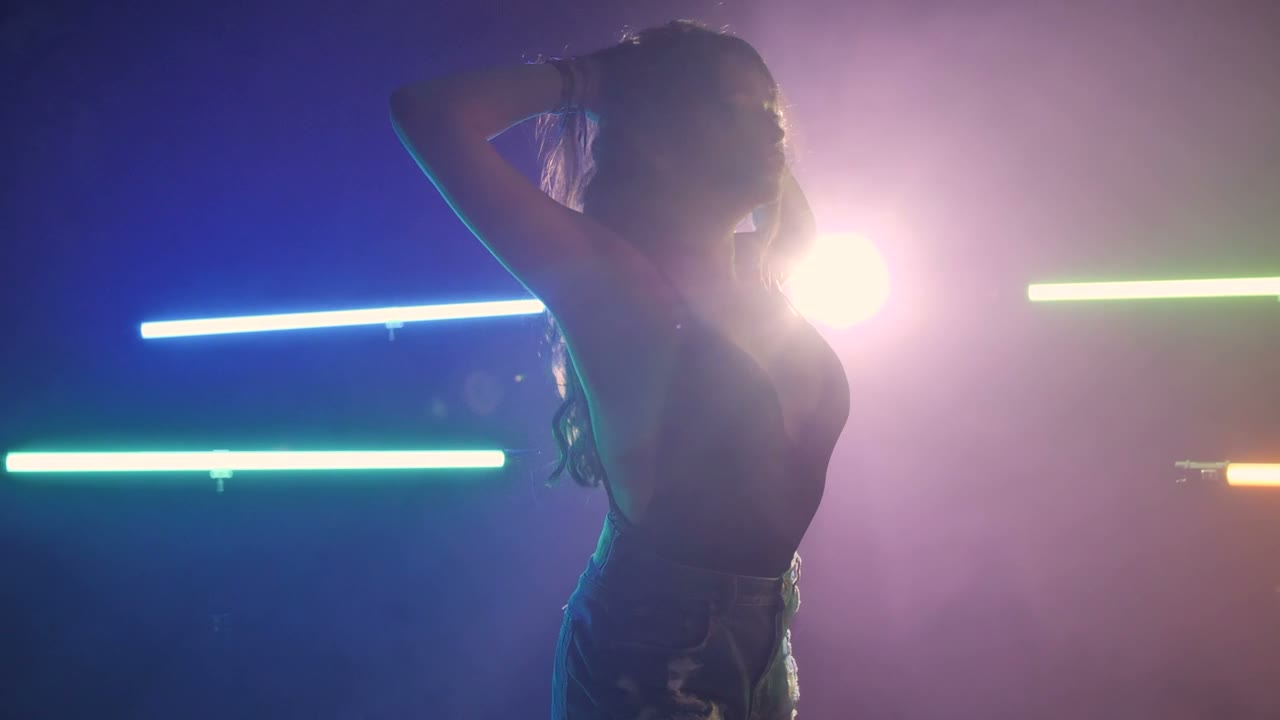
A vertical feed decides in about a second. The clip should open on the performer, already performing, already in the scene. No fade from black, no slow reveal, no logo card. If the strongest frame is three seconds in, cut the first three seconds and start there.
A useful structure for a 15–30 second post:
- 0–1s: face, eye contact, motion already underway.
- 1–5s: the line that made you want to post the clip.
- 5–15s: the performance beat, one camera move.
- 15–25s: a second angle or the duo reaction.
- Last frame: a reason to follow — the next clip, the release date, the full video.
The generated clip is silent. The track, the vocal and the caption carry the rhythm; the visual carries the face and the world. Cut on the vocal, not on the render boundary.
Captions are not optional
Most vertical viewing happens with sound off for at least the first few seconds. Burn the key line into the video, or place a caption block in the safe area. Keep it to one or two lines, high contrast, and large enough to read at arm's length. Do not rely on the platform's auto-captions for a rap vocal: fast delivery and slang produce confident nonsense.
If the post is a lyric visual, put the lyric in the upper middle or centre, never in the bottom third where the platform caption will collide with it.
Length by platform
| Platform | Sweet spot | Notes | | -------- | ---------- | ----------------------------------------------- | | TikTok | 15–34s | Loopable endings help; the app rewards rewatch | | Reels | 15–30s | Strong first frame; text hook in the safe area | | Shorts | 20–45s | Slightly longer attention; title matters | | Stories | 7–15s | Use as a teaser, link sticker for the full clip |
A single generated clip is 5–12 seconds, so a 30-second post is three to five clips cut together. That is normal. Plan the shots as a sequence before you render: wide, close, reaction, detail.
A week from one session
One photo, one scene and five prompts can produce a week of posts if you plan the variations:
- Monday: the strongest performance clip, full length.
- Tuesday: a close-up variant with a different line.
- Wednesday: the duo reaction shot, if you have a second photo.
- Thursday: a still frame from the best render with the lyric as text.
- Friday: a behind-the-scenes post showing the source photo and the prompt.
- Weekend: a compilation of the week's clips, looped.
The behind-the-scenes post is the one audiences trust most, because it explains why the face looks real and the stage does not. It also pre-empts the "this is AI" comment by answering it first.
Disclosure and platform rules
Label realistic synthetic performance as AI-generated. Most platforms now require disclosure for realistic altered or synthetic media, and the requirement is expanding rather than shrinking. A short on-screen label or the platform's own AI toggle is enough; hiding it risks removal and loses the audience's trust when they find out.
Do not upload a real artist's face and present the clip as that artist. Do not use a real person's likeness without consent. Do not generate a clip that implies an endorsement, a feature or a collaboration that does not exist.
Posting cadence beats production value
Three ordinary posts a week will teach you more than one perfect render a month. The feed rewards volume and iteration; the algorithm does not care that the haze is slightly wrong. Render short, post, read the retention graph, and change one thing next time.
If a clip underperforms, the usual cause is the first second, not the model. Start on the face, start mid-motion, and put the line that made you care at the front.
Captions, safe areas and the first frame
Keep the performer's face out of the bottom fifth and the right edge, where the app's caption, buttons and progress bar sit. Leave the top tenth clear as well. Put the hook line in the first frame as burned-in text only if the platform's own caption would cover it; otherwise let the native caption do the work. The first frame is also the thumbnail, so choose a render whose opening frame reads at small size: a face, a silhouette or a strong colour block, not a wide empty stage.
What to read next
For the source workflow, read how to make an AI rap video. For prompts built around vertical shots, use the 12-prompt library. For a realistic budget, see what an AI rap video costs.
Related guides
How to Make an AI Rap Video From One Photo (2026 Guide)
The exact workflow for turning one portrait into a rap performance clip: choose the photo, pick a scene, write one action, render, review and export.
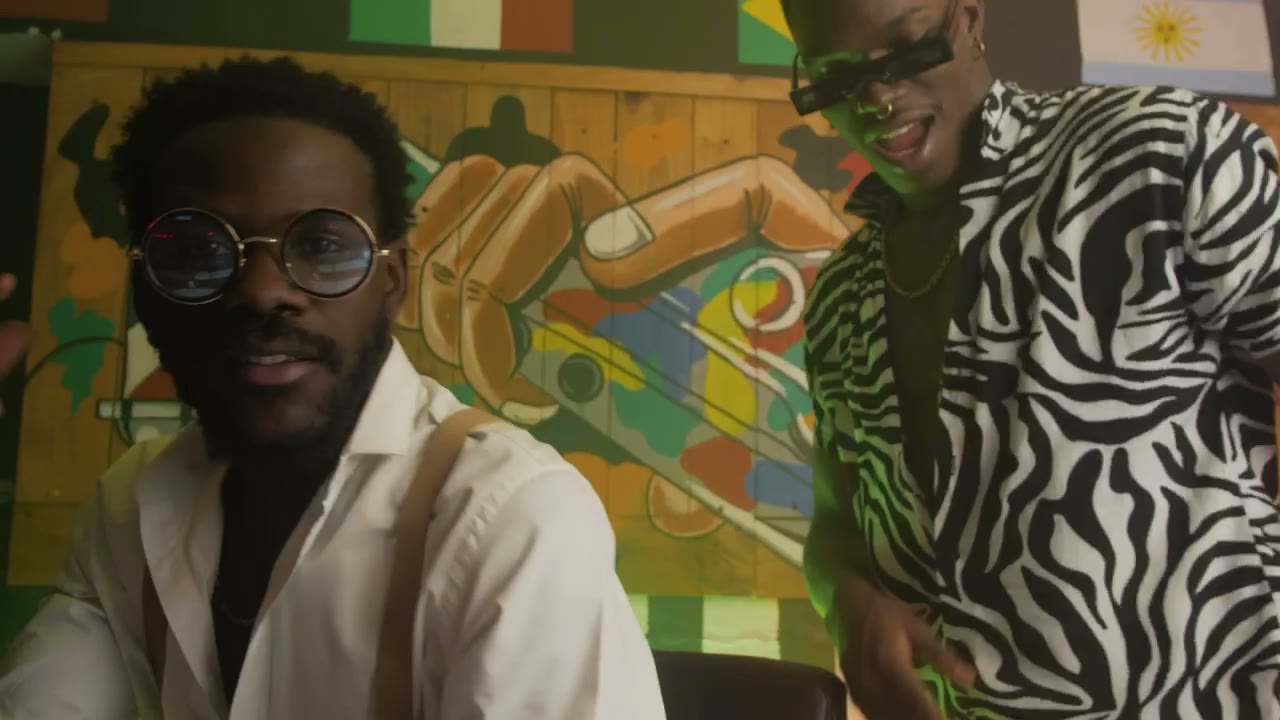
AI Rap Duo Video Guide: Two Faces, One Scene
How to generate a convincing rap duo video from two photos: matching light, blocking, who leads, how to avoid face swaps and how to cut the result.
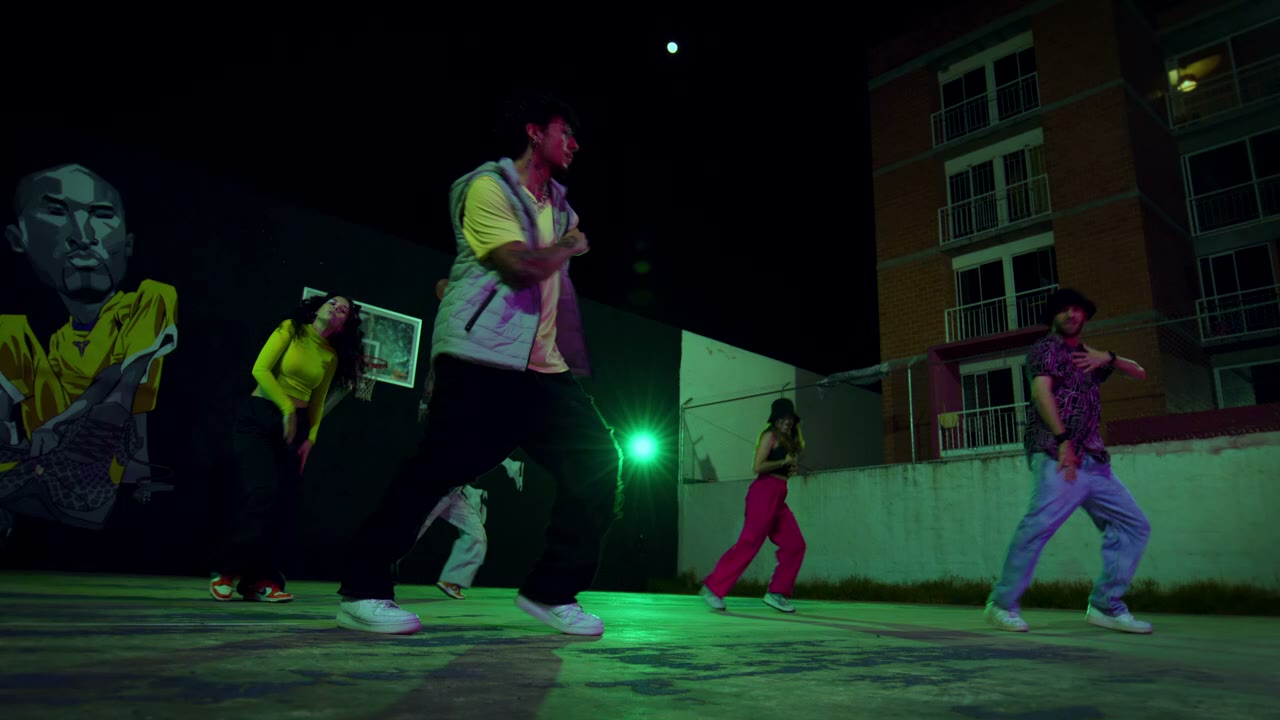
12 AI Rap Video Prompts That Actually Work
Twelve copy-paste prompts for rap performance clips: club stage, booth, cypher, retro sidewalk, drill rooftop, lyric bed and more, with the guardrails that keep faces stable.