AI Rap Video Examples: Six Production Scenarios
 AI Rap Video Team
Six concrete ways artists, producers and small labels use AI rap videos, with the shots, prompts and edit plan for each — and what each one costs.
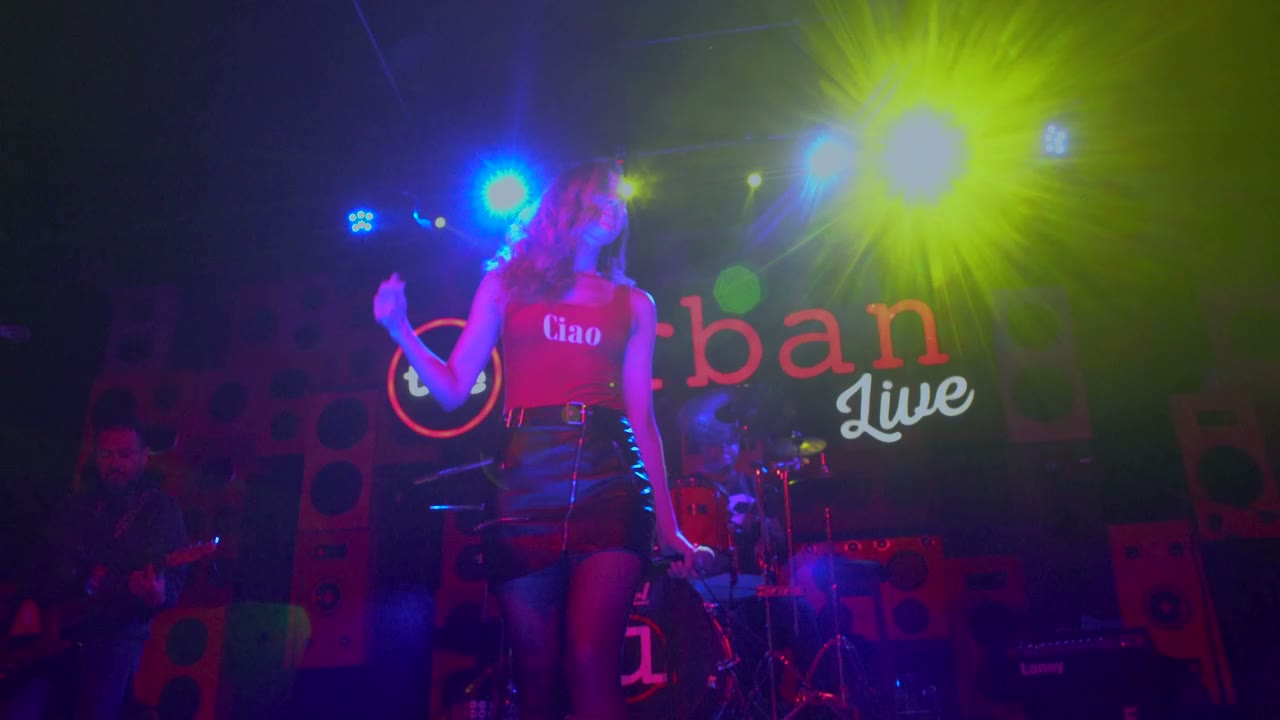
The useful question about AI rap video is not "what does it look like" but "what would I actually make with it". Below are six production scenarios, each with the shots required, a prompt starting point and an edit plan. They are scenarios, not customer case studies: no artist, label or release is being described.
Use them as templates. The numbers assume the standard 35-credit render at 720p and twelve seconds, and the credit prices from the cost guide.
Scenario 1: the single teaser
Who: an independent artist with one photo and a release date two weeks away.
Shots: one 9:16 performance clip, eight seconds, one camera push-in. One still frame exported for the cover post.
Prompt starting point: the solo booth or club stage prompt from the prompt library, with the hook line as the caption.
Edit: open on the strongest frame, cut at three seconds to a tighter crop of the same render, end on the release date card. Total length: 15 seconds.
Cost: one standard render, 35 credits. One re-render if the photo needs replacing: 70 credits total.
Scenario 2: the duo collaboration
Who: two artists promoting a joint track, each with their own photo.
Shots: a side-by-side stage clip, plus one solo clip per artist for the individual feeds.
Prompt starting point: the club stage two-shot with a named lead and a named reaction. Keep both faces in frame and the camera slow.
Edit: the duo clip is the main post. Each artist posts their solo clip with the other tagged. The three clips share the same scene and palette, so the campaign reads as one shoot.
Cost: three standard renders, 105 credits.
Scenario 3: the producer's beat pack
Who: a producer selling or licensing beats, with no artist photo to use.
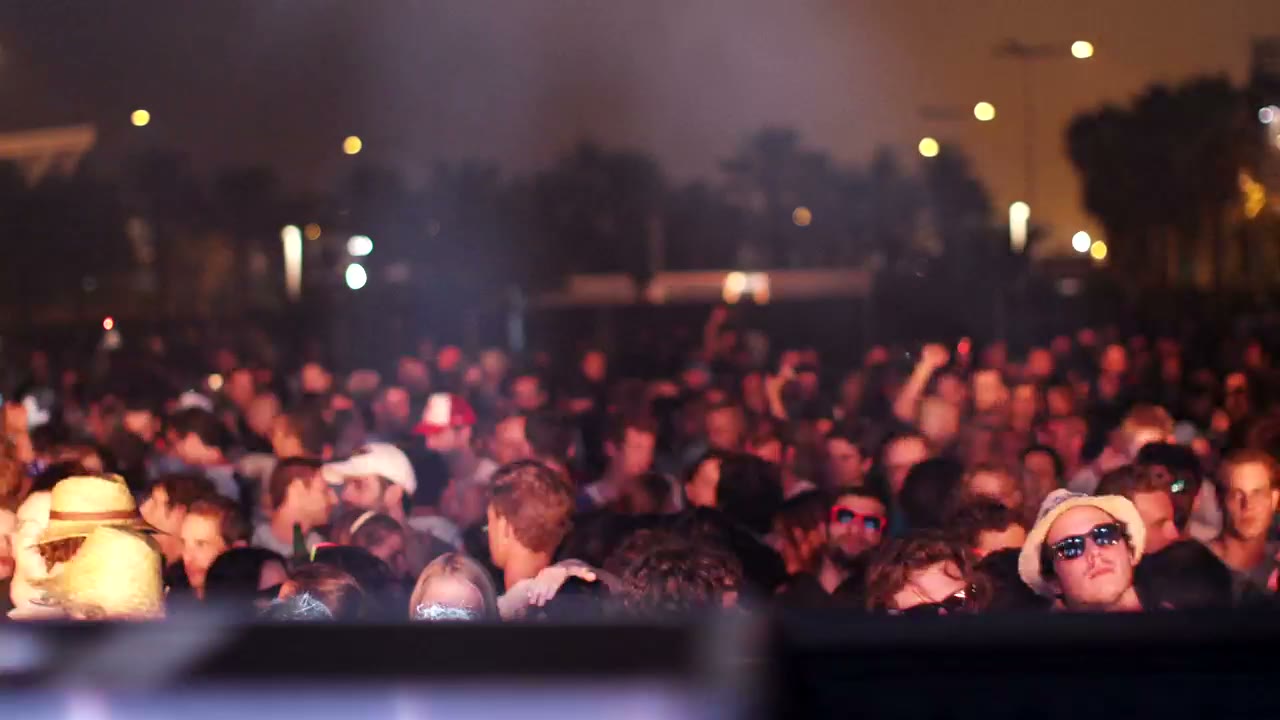
Shots: text-to-video, no uploaded face. A turntable, a basement, a skyline, a cassette. Six to ten short clips, one per beat.
Prompt starting point: the golden-era basement and night-drive prompts, with the performer removed. Describe the room and the camera only.
Edit: a ten-second loop per beat, the beat name as text, a link to the pack. These are product demos, so clarity beats atmosphere.
Cost: six renders at five seconds each, 15 credits each: 90 credits. A 480p test pass first adds 60.
Scenario 4: the label press kit
Who: a small label preparing a press kit for a new signee.
Shots: one clean 16:9 studio clip, one 9:16 version, three stills.
Prompt starting point: the label showcase two-shot or a single-performer studio frame: seamless backdrop, soft even light, no logos.
Edit: the 16:9 clip goes to press and playlist editors; the 9:16 version goes to social. No captions, no release date burned in. The stills come from the same render so the kit is visually consistent.
Cost: two standard renders, 70 credits.
Scenario 5: the lyric visual
Who: an artist who wants a full-length visual for a lyric video.
Shots: one or two slow performance clips, plus a static background plate.
Prompt starting point: the lyric-video visual bed prompt, framed to the right with empty wall on the left for the text.
Edit: loop the performance at low opacity behind the lyrics. Cut to a full-opacity performance shot on the hook. The lyrics carry the video; the render supplies motion.
Cost: two standard renders, 70 credits, reused across the full track.
Scenario 6: the cypher recap
Who: a crew that recorded a cypher and wants a recap visual.
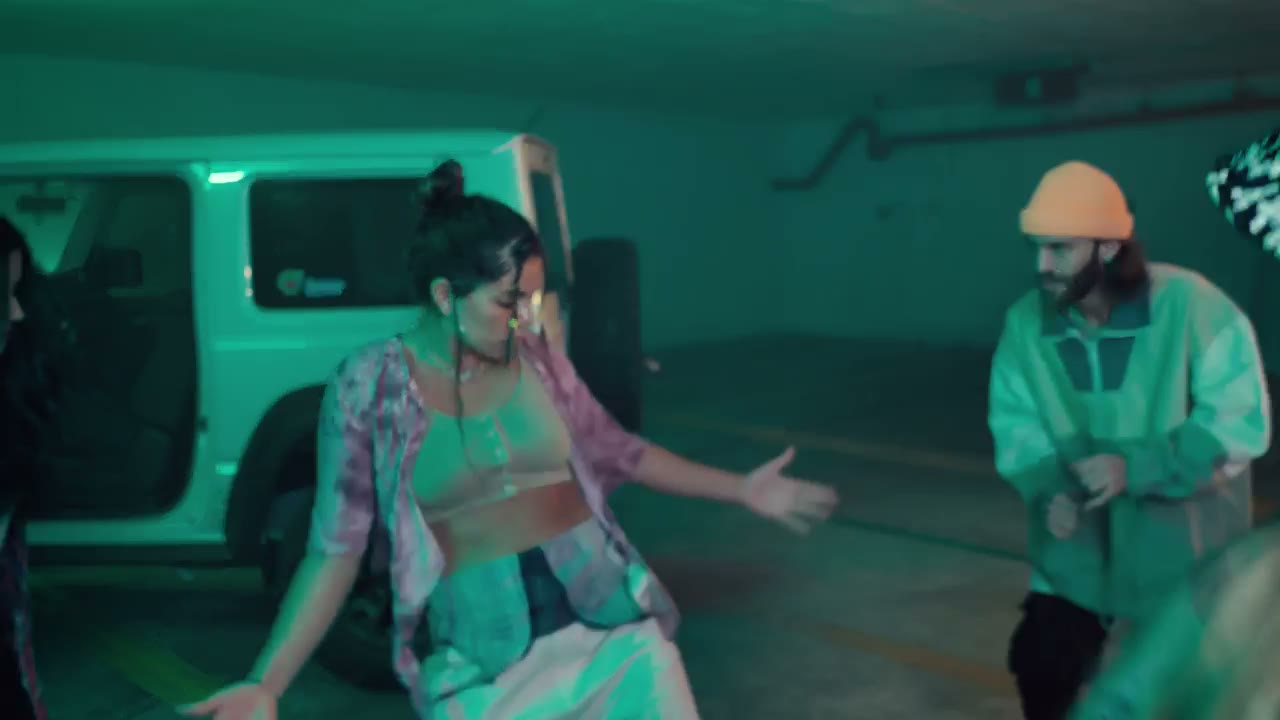
Shots: one lead clip per member in the same rooftop scene, plus a wide group-style clip.
Prompt starting point: the rooftop cypher prompt, with the lead changed per member and the same light, lens and palette in every prompt.
Edit: eight seconds per member, cut on the beat, wide shot between each. The shared scene makes six separate renders read as one night.
Cost: five to seven renders, 175–245 credits.
What the scenarios have in common
Every one of them plans the edit before rendering. The number of shots, their aspect ratios and their order are decided first; the prompts serve that plan. Rendering first and figuring out the edit afterwards is how credits disappear.
They also keep the visual language consistent across shots: same palette, same light direction, same lens language. Consistency is what makes five clips feel like one production rather than five experiments.
How to adapt a scenario to your own
Change the destination first, the scene second, the performer third. If the clip is going to TikTok, keep the 9:16 frame and change only the location. If it is going to a press kit, keep the studio light and change the wardrobe. If the performer changes, expect the identity rules to change with them: a hat, glasses or a heavy filter is a new input problem, not a new prompt problem.
Write the scenario down as a shot list before rendering. One line per render: slug, aspect ratio, length, scene, action, camera. A shot list of six lines is easier to budget than six separate ideas, and it prevents the common failure where the fourth render has a different palette from the first.
Finally, keep the source photos and prompts in a folder beside the renders. A campaign that runs for three months will need a variation in month three, and the folder is the difference between a ten-minute re-render and a rebuild from memory.
Pick the first scenario by deadline, not by ambition
The right starting scenario is the one you can finish this week with the photos you already have. A single teaser needs one still and one render; a duo needs two people who have both agreed to appear; a cypher recap needs footage or a group photo that already exists. If a scenario needs a shoot, a location or a second approval before it can start, it is not the first one. Ship the smallest scenario that reaches the release date, then reuse its scene and palette for the next clip.
What none of them promises
None of these scenarios guarantees streams, sales or virality. A generated clip is production capacity. It removes the shoot, not the songwriting, the mix or the audience.
For the workflow behind these scenarios, read how to make an AI rap video. For channel-specific planning, see how to use AI rap videos in release marketing.
Related guides
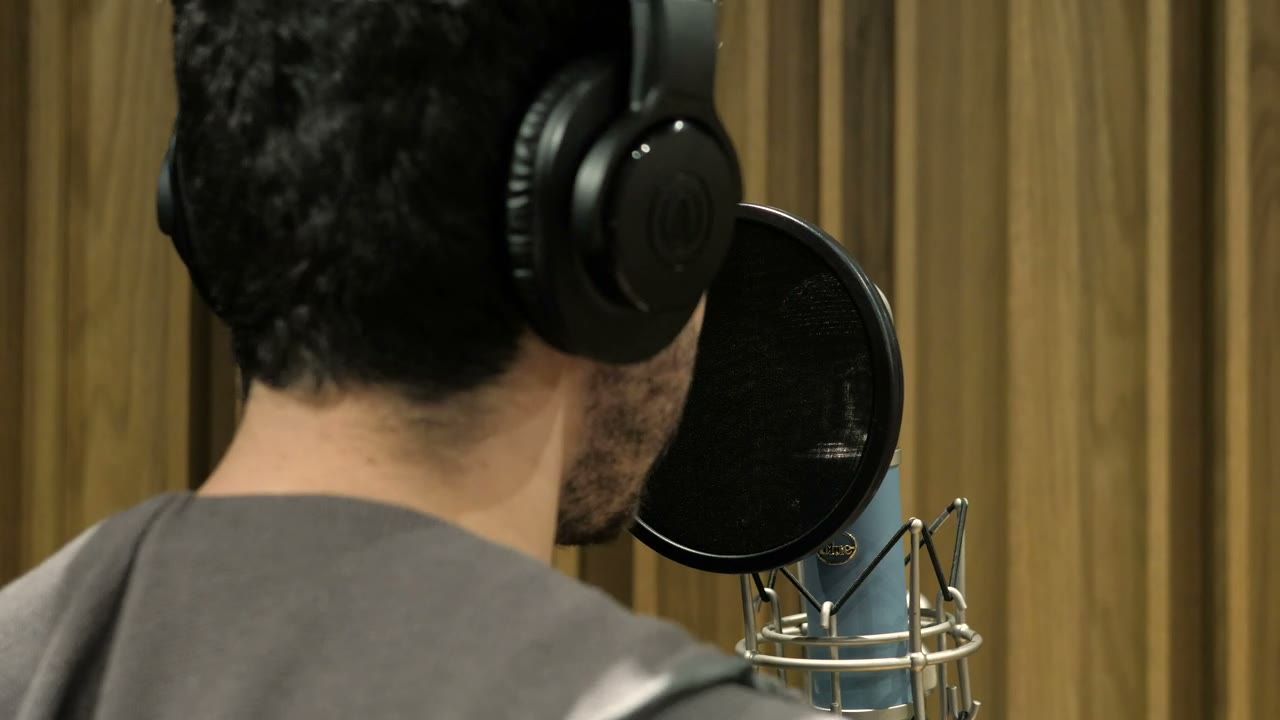
How to Make an AI Rap Video From One Photo (2026 Guide)
The exact workflow for turning one portrait into a rap performance clip: choose the photo, pick a scene, write one action, render, review and export.
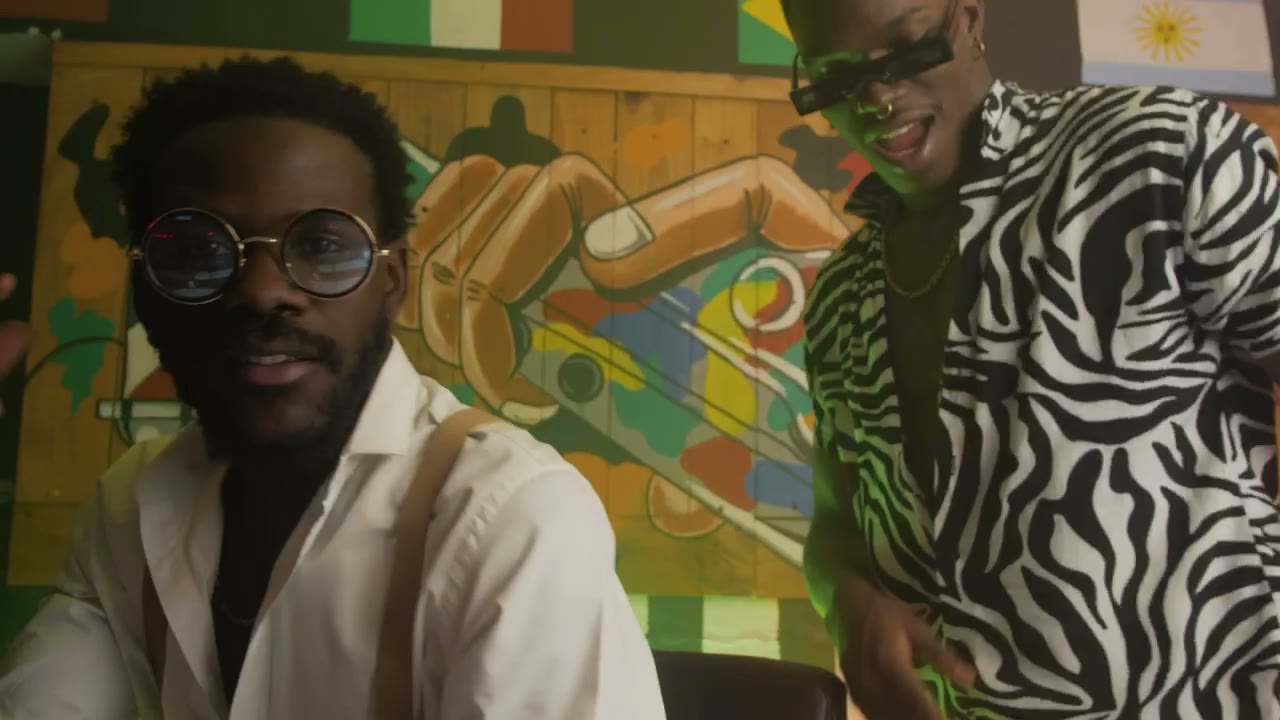
AI Rap Duo Video Guide: Two Faces, One Scene
How to generate a convincing rap duo video from two photos: matching light, blocking, who leads, how to avoid face swaps and how to cut the result.
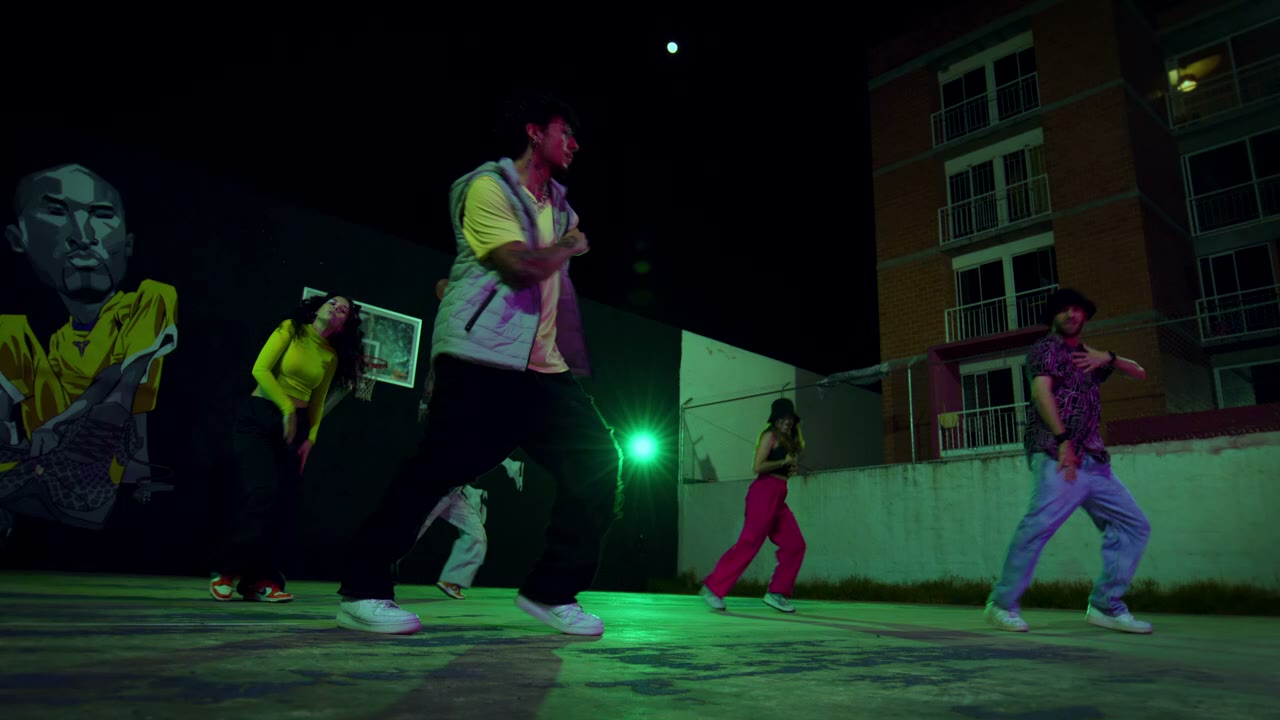
12 AI Rap Video Prompts That Actually Work
Twelve copy-paste prompts for rap performance clips: club stage, booth, cypher, retro sidewalk, drill rooftop, lyric bed and more, with the guardrails that keep faces stable.